Ask the Agent about your clinic
Ask a question in plain words instead of clicking through charts and reports.
Step 1: Ask a question
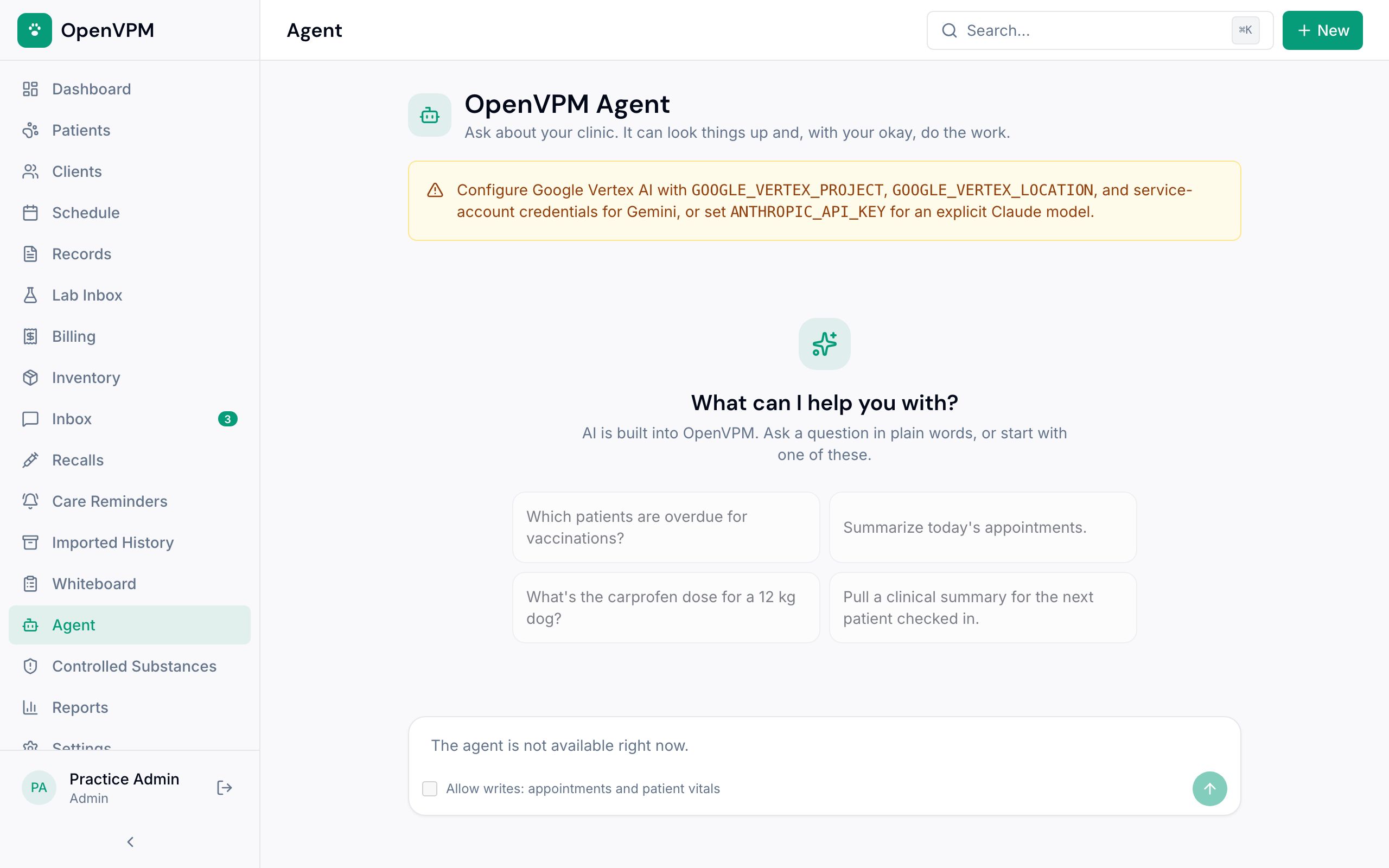
Open Agent and type a question, or start with one of the suggestions 1. For example: “Which patients are overdue for vaccinations?” or “Summarize today's appointments.”
The Agent looks up your clinic's records to answer. It only sees your practice's data.
Step 2: Let it make a change only when you mean to
By default the Agent only reads. To have it book an appointment or record vitals, tick Allow writes: appointments and patient vitals under the message box before you send. The box clears after each request.
Step 3: Check the answer
Treat answers like a colleague's notes: open the chart before acting on anything clinical, and double-check doses against your own references.
You're responsible for clinical decisions. The Agent helps you find things faster; it doesn't replace your judgment.
Something not working?
I don't see the Agent, or it says it isn't available
Only admins and veterinarians can use the Agent. On OpenVPM Cloud it's ready to go once your clinic has a card on file. If you run OpenVPM yourself, the server needs an AI provider set up first.