Understand team roles
Know what admins, vets, techs, and the front desk can each do.
Step 1: Each teammate gets the role closest to their job
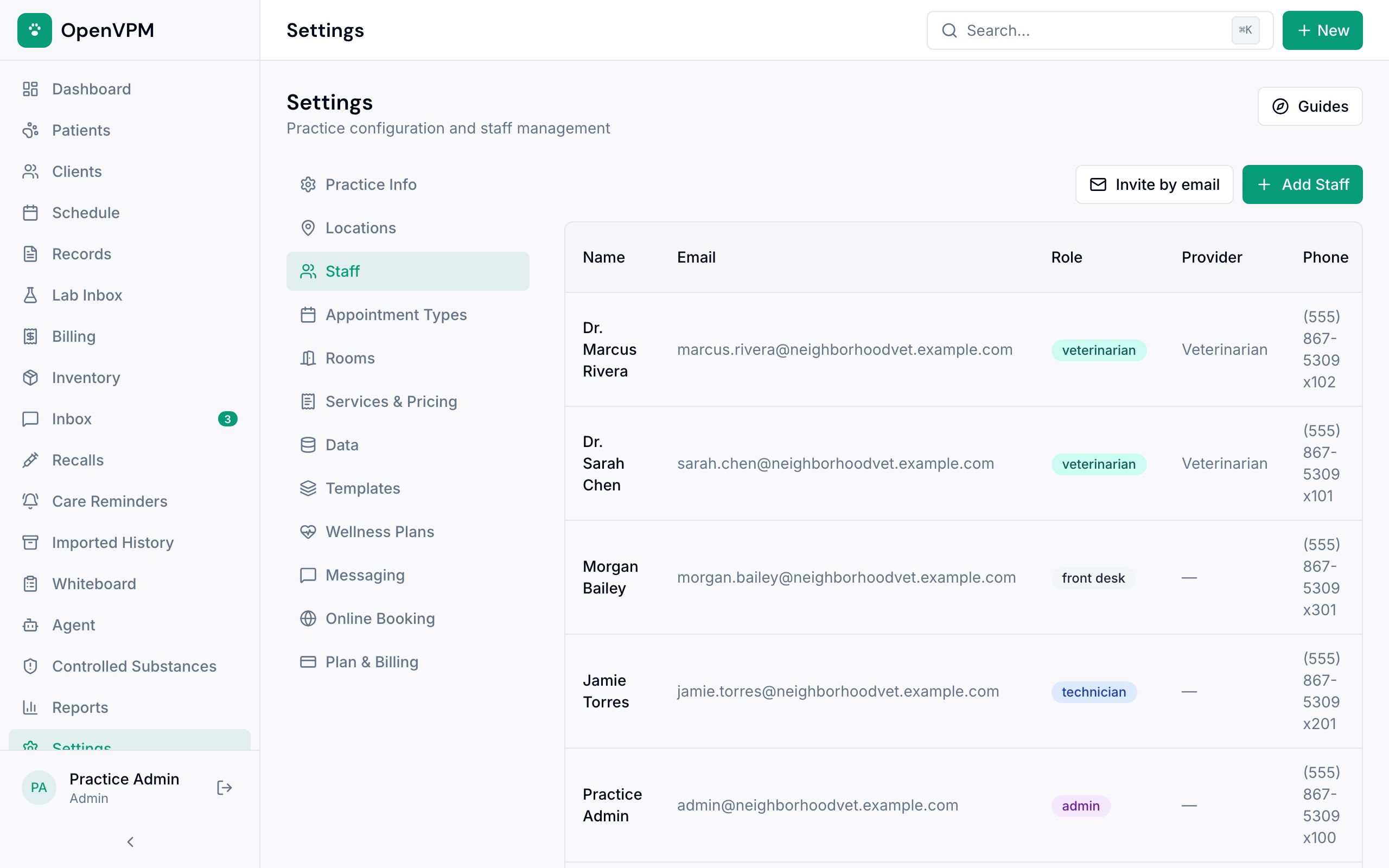
Admins run the clinic and handle high-risk actions. Veterinarians and technicians work in the medical record. Front desk staff run the schedule and billing. Viewers can look but not change anything.
Step 2: Some actions are protected
If a button is missing or read-only, check which role you're signed in with before assuming something is broken.
Only admins and front desk staff can change billing, including marking visit work as no charge and setting product prices or tax status. Some clinical corrections and all refunds need an admin.
The controlled-substance log is visible only to admins and veterinarians.
Something not working?
Why can't I add charges to a visit?
Charges can be added by the front desk or an admin while the visit is In Exam. Vets and techs can see the charges but not change them. Before the exam starts, or once closeout is complete, charges are locked for everyone. The charges panel says which of these applies.
How do I change someone's role?
An admin can change it in Settings → Staff. See Invite and manage staff.