GuidesClinical care
Record vitals
Save weight, temperature, and other measurements so trends are easy to spot.
Step 1: Open the right pet and visit
During a visit, use the Visit vitals card on the visit page, so the vitals are linked to that visit. Otherwise, open the pet's chart.
Double-check it's the right pet before you enter anything.
Step 2: Enter what you measured
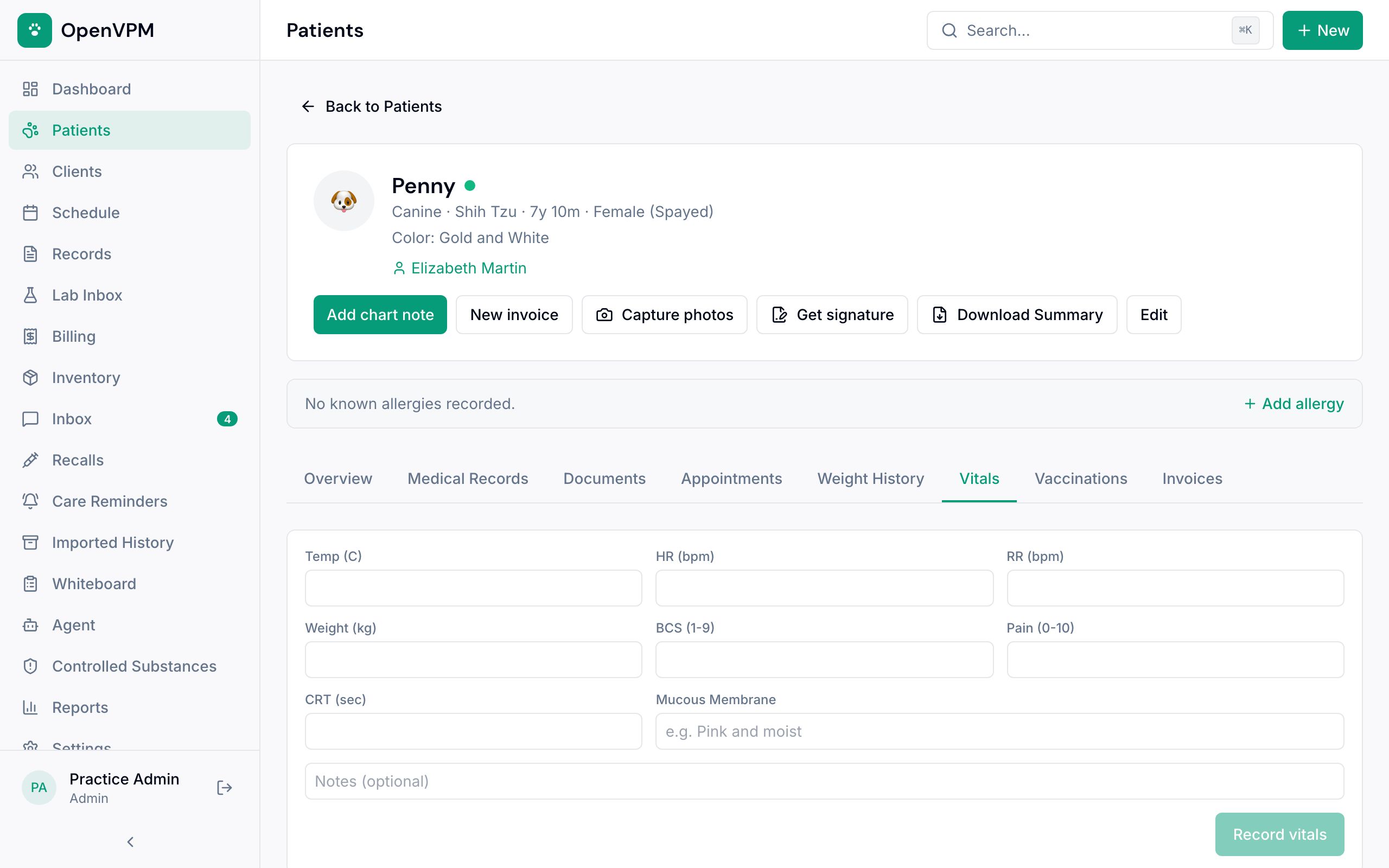
On the chart's Vitals tab 1, enter temperature, heart rate, respiration, weight, body condition, pain score, and anything else you took. Then choose Record vitals 2.
Units are set for the whole clinic and shown in each label, like Temp (C) or Weight (kg). Leave a field empty if you didn't measure it.
Step 3: Look twice at anything unusual
Check surprising numbers before you save. If the weight changed, look at Weight History, especially if it affects a dose.
Did this help?
Next upWrite and finalize a SOAP note Keep the clinical reasoning for the visit organized and on file.